11. Inventory
Track your supplies from the moment you buy them to the moment they're used on a lawn.
The Inventory page is organized into four tabs: Stock, Reports, Activity, and Catalog.
11.1 Setting Up Your Inventory Catalog
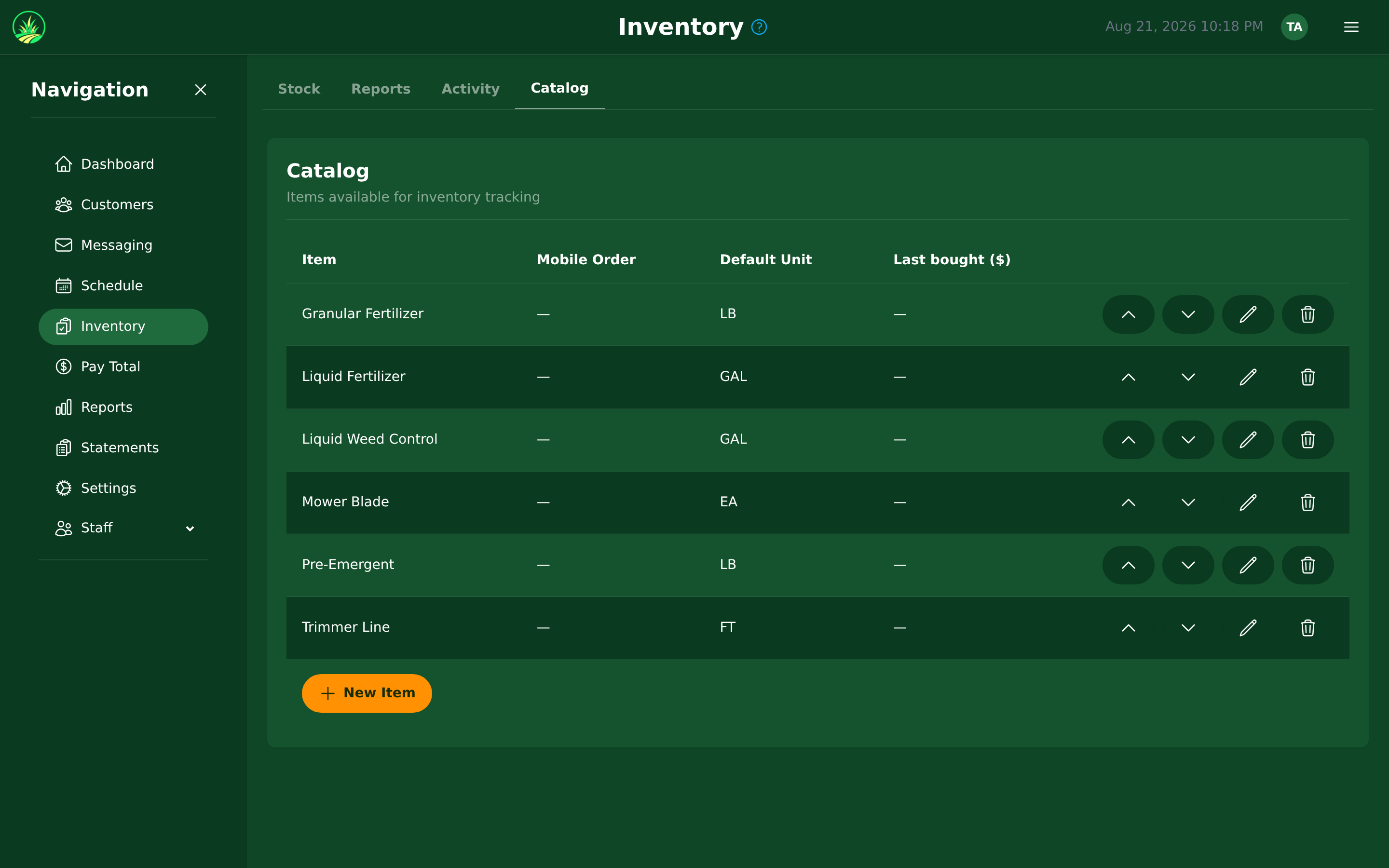
Navigate to Inventory > Catalog to define your inventory items.
Creating an Inventory Item:
| Field | Example |
|---|---|
| Name | Granular Fertilizer |
| Unit | Gallons |
| Cost per Unit | $3.50 |
| Category | Fertilizer |
Common units include: gallons, ounces, pounds, liters, tablets, bags, or custom units.
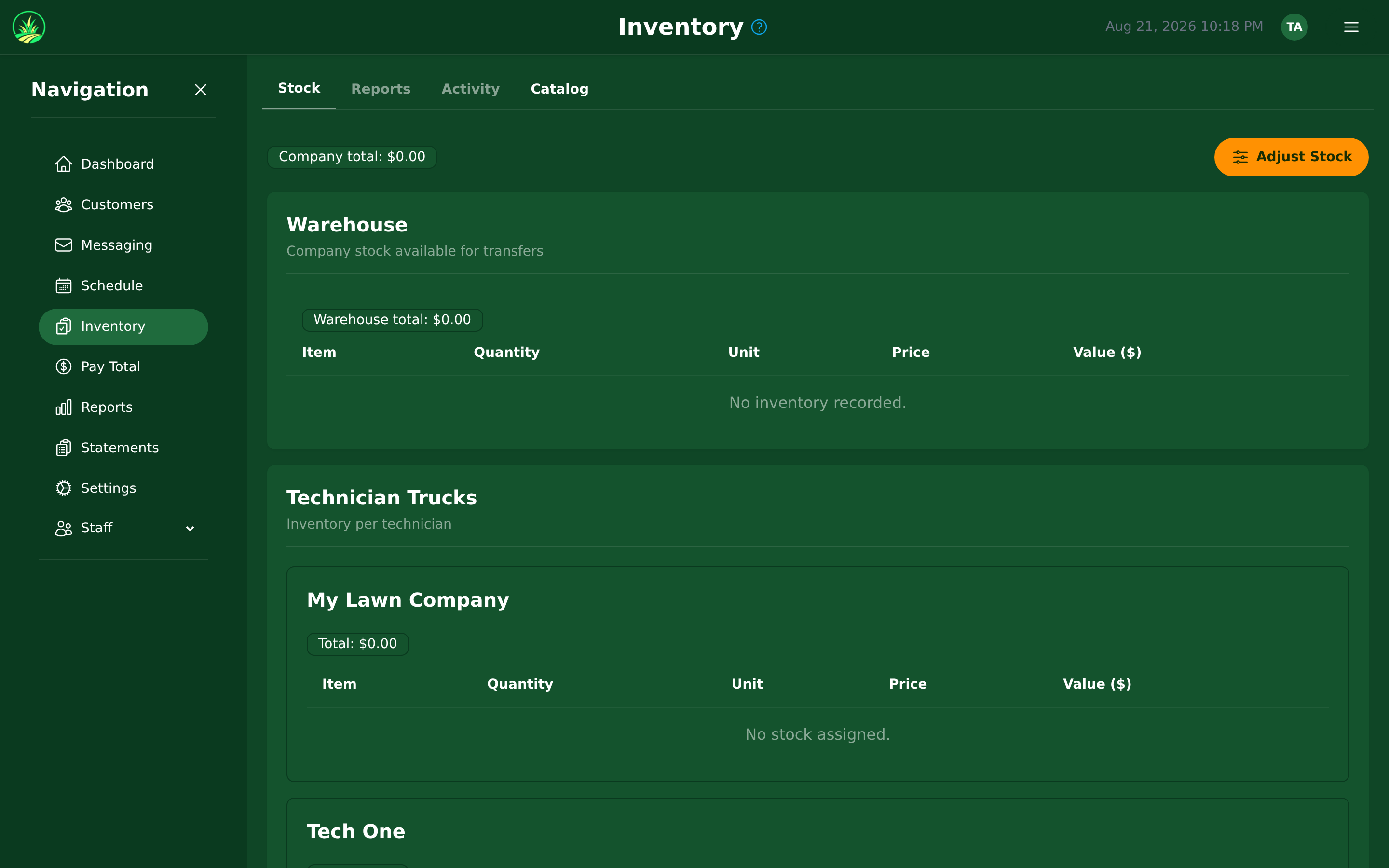
11.2 Inventory Locations & Truck Stock
The Stock tab shows current inventory levels tracked by location:
- Warehouse/Office — your main stock location.
- Truck Stock — each technician's truck is a separate inventory location.
This lets you see exactly what's on each truck and what's in the warehouse.
11.3 Stock Movements & Activity
Adding Stock (Receiving):
- Record purchases or deliveries by adding stock to a location.
- Enter the quantity and cost per unit.
Transferring Between Locations:
- Move inventory from warehouse to truck (or truck to truck).
Manual Adjustments:
- Use adjustments for breakage, spillage, miscounts, or returns.
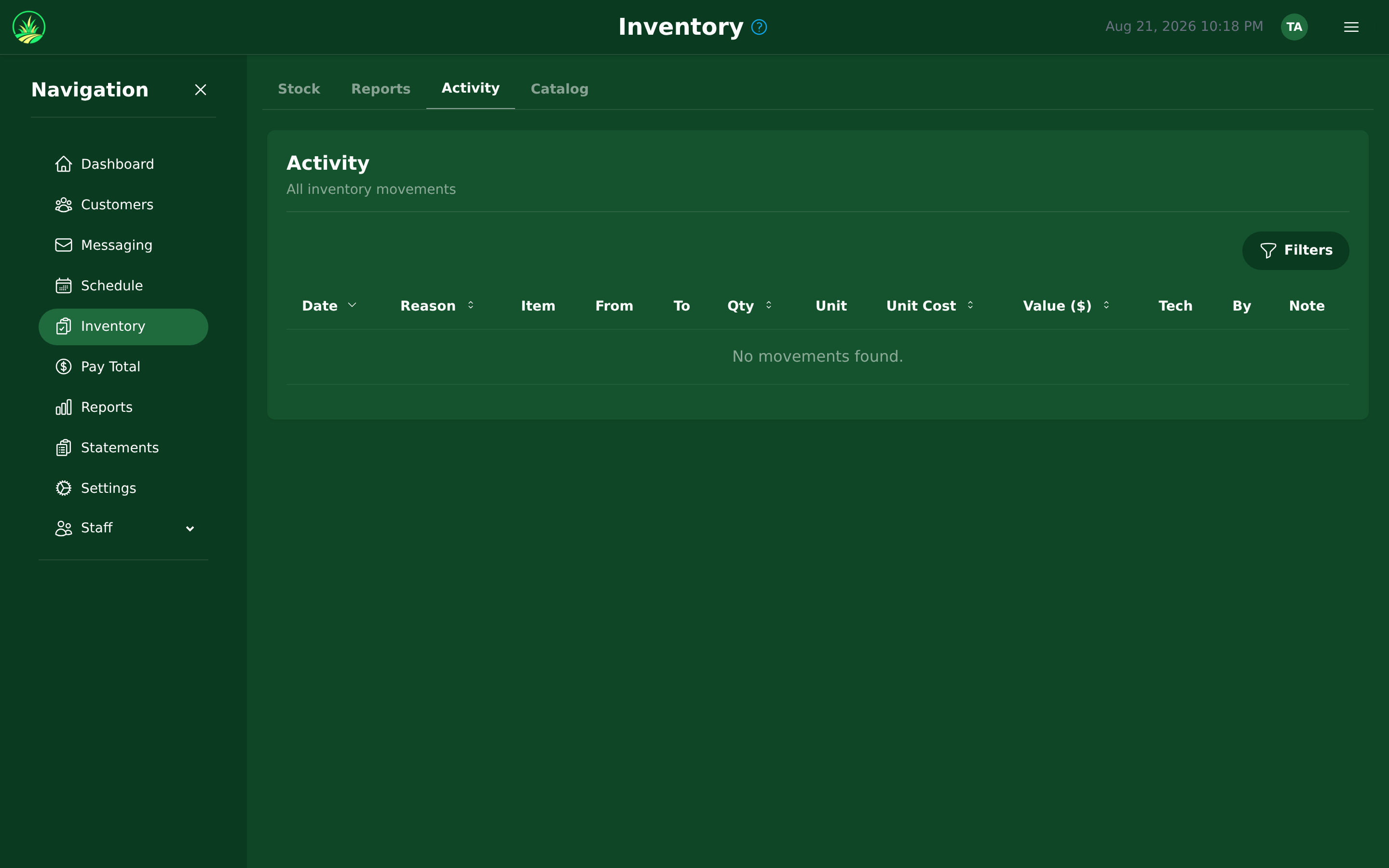
All movements are recorded in the Activity tab with timestamps and user attribution.
11.4 Auto-Deduction on Service Completion
When a technician completes a service visit, inventory is automatically deducted from their truck stock based on:
- The Inventory Checklist attached to the Recurring Billing Item (default amounts).
- Any adjustment the technician makes on their phone (for example, they used more than usual).
This ensures your inventory counts stay accurate without manual entry.
11.5 Inventory Reports
The Reports tab within the Inventory page provides:
| Report | What It Shows |
|---|---|
| Chemical Usage | How much of each item was used over a period |
| Chemical Cost | What those items cost in total |
Use these reports to:
- Spot a technician getting through far more than everyone else — usually waste worth a conversation.
- Plan purchasing based on usage trends.
- Track the cost per lawn, so you can see which work actually makes money.